Posts

Showing posts with the label iRova KK8

iRova KK8 and Black Electrical Tape Virtual Wall

Image
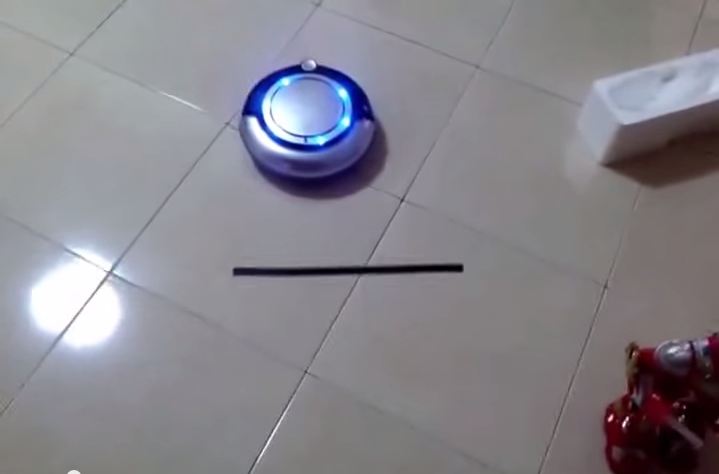
Previously I posted a video that black electrical tape can be used to trick the iRova K6L model robotic vacuum there is a virtual wall . It was an inexpensive way to setup boundary around your house by using black electrical tape. But as for iRova KK8 model, the black electrical tape does not work. I have tested the black electrical tape on my iRova KK8 robotic vacuum and it didn't work like the iRova K6L did. Below is the video I took on the test.

iRova KK8 Battery Teardown

Image
The old battery My iRova KK8 robot vacuum battery finally gave up after 12 months of almost daily use. Some times I would just setup the timer and leave it for few days when I go out of my home for holidays. At the 10th month, the iRova KK8 can only run for 30 mins compared to 90 mins when its brand new. By 12th month, it can only run 20 mins. So thats when I decided to get a new battery from iRova . It cost me RM180 and I think it's a reasonable price to pay. Since I am going to throw away the old battery, I might as well tear it down to see what it made of. Surprisingly I found a thermistor (temp sensor) that provide temp reading to the iRova robot when charging. Peeled out all the adhesive tape that covers the connections. This is a temperature controlled cut off circuit (i think) The whole battery is basically made of 12 AA batteries. References, Sources and Credits: http://www.i-rova.com/product-1199190.html

Dust Bin Overflowed

Image
This what happens when you did not empty the iRova KK8 robot vacuum dust bin for weeks!

Trick your iRova K6L robotic vacuum there is a virtual wall with black electrical tape

Image
If you happen to own a iRova K6L robotic vacuum cleaner, you can trick the robot there is a virtual wall using black electrical tape. The idea is to use a black electrical tape to trick the cliff sensors built in the robot and it will move away from the black tape line. Effectively you can use it to create a cheap virtual wall to draw a border for your robot vacuum. However, I have tested this method on the iRova KK8 and it did not work unfortunately .

IRova KK8 avoiding sunlight like a virtual wall

Image
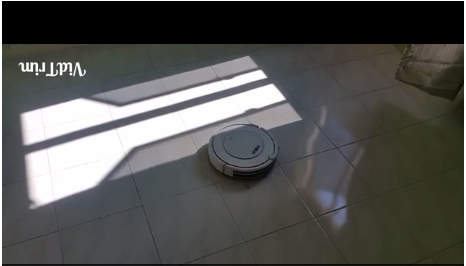
Sunlight seems to act like a virtual wall to IRova KK8 robotic vacuum cleaner. I manage to record a video to show that the robot behaves as if the sunlight shinning through an opened window is a wall. Navigation Go back to main page.

iRova KK8 Review: What other brands using this OEM KK8 robotic vacuum cleaner?

Image
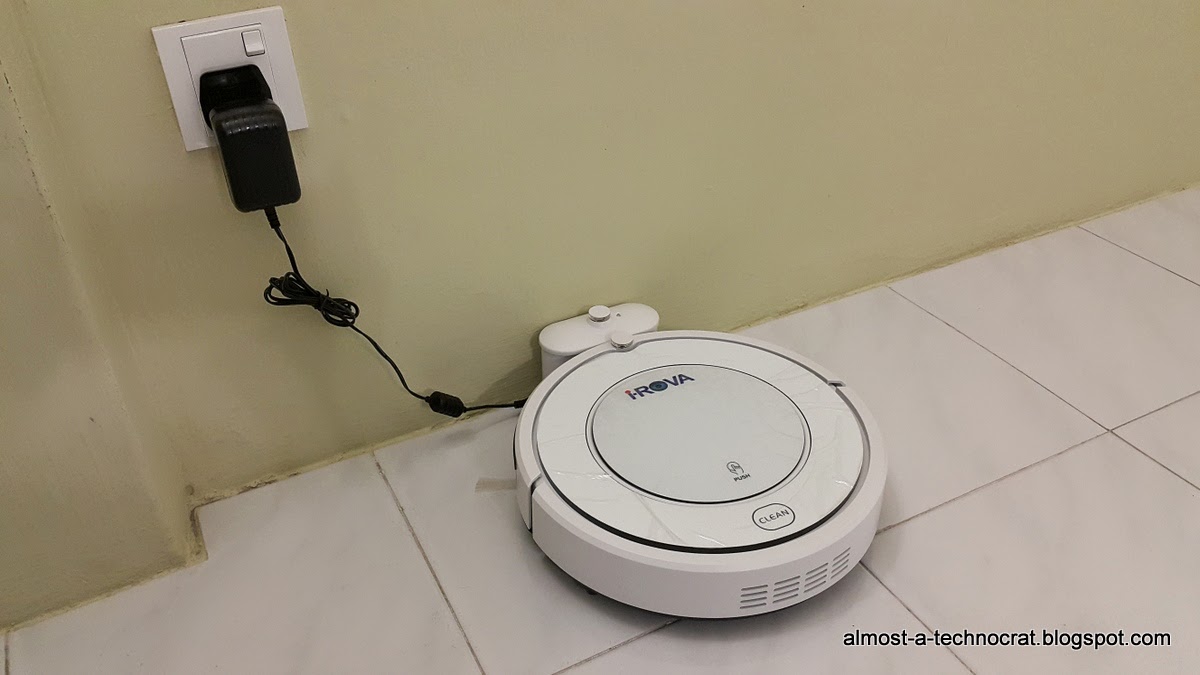
As stated in the first section, iRova did not design and manufacture this product. There are other companies that are buying the same product from the OEM company and re-badge it with their own brand. Below are the list of brands that I manage to find during my research of this product. http://www.robotvacuumcleaner.cn/product_detail-2845-77.html http://www.lelong.com.my/evatronic-kk8-intelligent-robot-vacuum-cleaner-auto-recharge-base-chenchen89-I1645976-2007-01-Sale-I.htm http://www.amazon.co.uk/ElectrIQ-Intelligent-Programable-Robotic-Charging/dp/B00M31BPC6 http://www.appliancesdirect.co.uk/p/eiq-kk8/electriq-eiqkk8 Navigation Next, watch all the videos uploaded in YouTube related to KK8. Go back to main page.

iRova KK8 Review: How smart and how dumb is it?

Image
My initial expectation of this robotic vacuum cleaner might not be that smart compare to more expensive brands like iRobot, Neato, LG or Samsung. After a week of observation, this is what I can summarize. How smart is it? Apparently, the iRova KK8 is pretty smart. Other than bouncing off an obstacle and walls, this iRova KK8 can: Detects a dirtier area and automatically switches to Spot Cleaning Mode until the area is clean enough. It has a built in dust sensor located at the vacuum intake passage to detect the density of dust passing through.  Return to its docking station from a different room. I observe that it will do a 360 degrees scan to look for its docking station. If the docking station is not found, it will move around and run the scan again to look for its docking station.  Detects a cliff and move away to avoid falling down.  Be controlled of its movement using the remote control. Using the direction buttons on the remote control, I can control the iRova KK8 j...

iRova KK8 Review: How easy is it to maintain this robotic vacuum?

Image
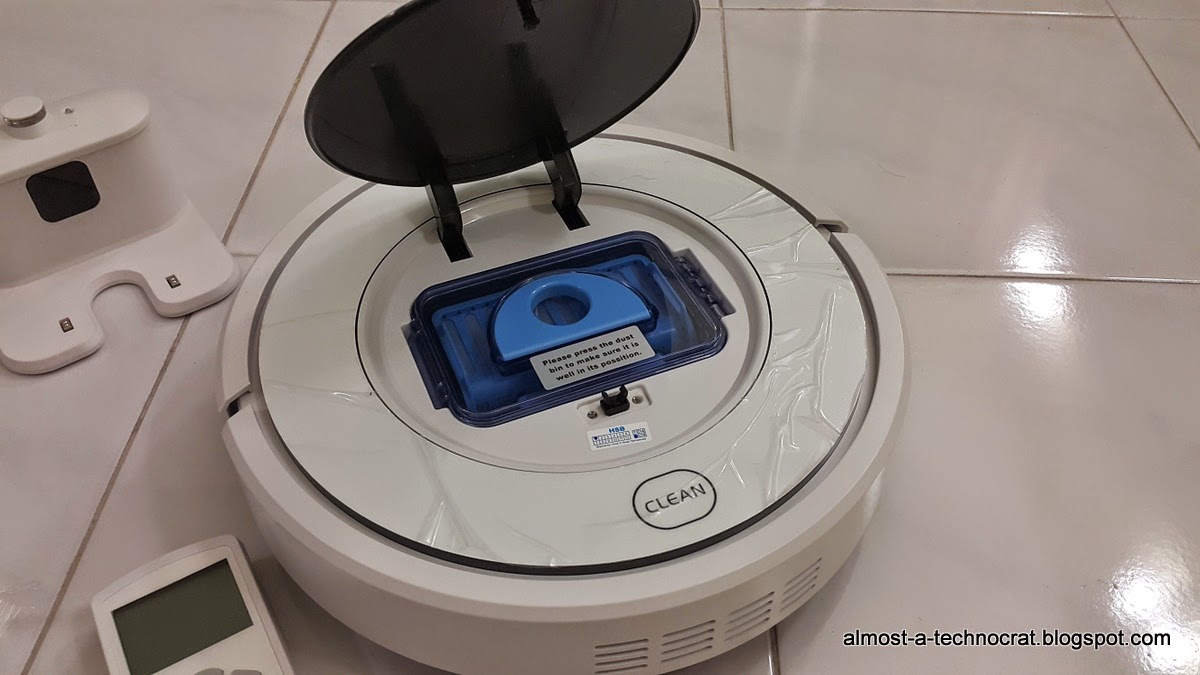
This iRova KK8 is easy enough to clean. The effort of cleaning the dust bin and it's brushes are less than sweeping the floor. Here a breakdown of how I clean the robotic vacuum. Dust Bin Dust collected after a day's work Dust collected after a week work The dust bin is a top loaded design. So it's pretty easy to access the dust bin by popping up the top cover and pull out the whole dust bin. The dust bin consist of the dust bin itself, a primary filter and a HEPA filter. Take out the primary filter and brush out all the dust first. Then take out the HEPA filter and wash the dust bin and primary filter with water. You don't have to wash the HEPA filter every time you wash the dust bin. Wash the HEPA filter once a month. Just flush the HEPA filter through a running tap water. You don't have to brush the HEPA filter. Side Brushes Clean side brush Side brush entangled with long hair The brushes are easy to clean by using a damp cloth. Look out for entangled long hairs...

iRova KK8 Review: Did it manage to cover all floor space?

Image
I think it did but first, let me explain its various cleaning modes (total 6 cleaning modes) available from this robot vacuum. These cleaning modes can be controlled using the "mode" button on the remote control. However, when I press the mode button, the LCD display will only show mode 1 to mode 4. Only Spot Cleaning Mode has it's dedicated button for it. Auto Cleaning Mode This is the default cleaning mode when you power on the iRova KK8. It switches between Spot Cleaning Mode, S-shape Cleaning Mode and Edge Cleaning mode. It's unknown to me how it decide when to switch cleaning modes. Spot Cleaning Mode (Spot button) When iRova KK8 detects a dirtier area using it's dust sensor, it will switch to Spot Cleaning Mode where it will move in spiral outwards direction to rapidly clean the area until clean. There is a dust sensor built-in the vacuum intake passage way to determine if the area is dirty. Edge Cleaning Mode (Mode button) The iRova KK8 will only move along...

iRova KK8 Robotic Vacuum Videos Compilation

Image
This is a compilation of various videos of KK8 robotic vacuum cleaner. As this is an OEM product, you will see that it was re-badge under a few brand names. Watch all the videos before you decide to buy it. iRova KK8 Robotic Vacuum Cleaner Lilin Robot Vacuum Cleaner KK8 ElectrIQ Robotic KK8 Vacuum Cleaner Kaidobot KK8 Return to docking station for charging Roboway KK8 Robo Clean KK8 Navigation Next, watch a video that I have recorded showing the iRova KK8 avoiding sunlight like a virtual wall. Go back to main page .

iRova KK8 Robotic Vacuum User Manual

Image
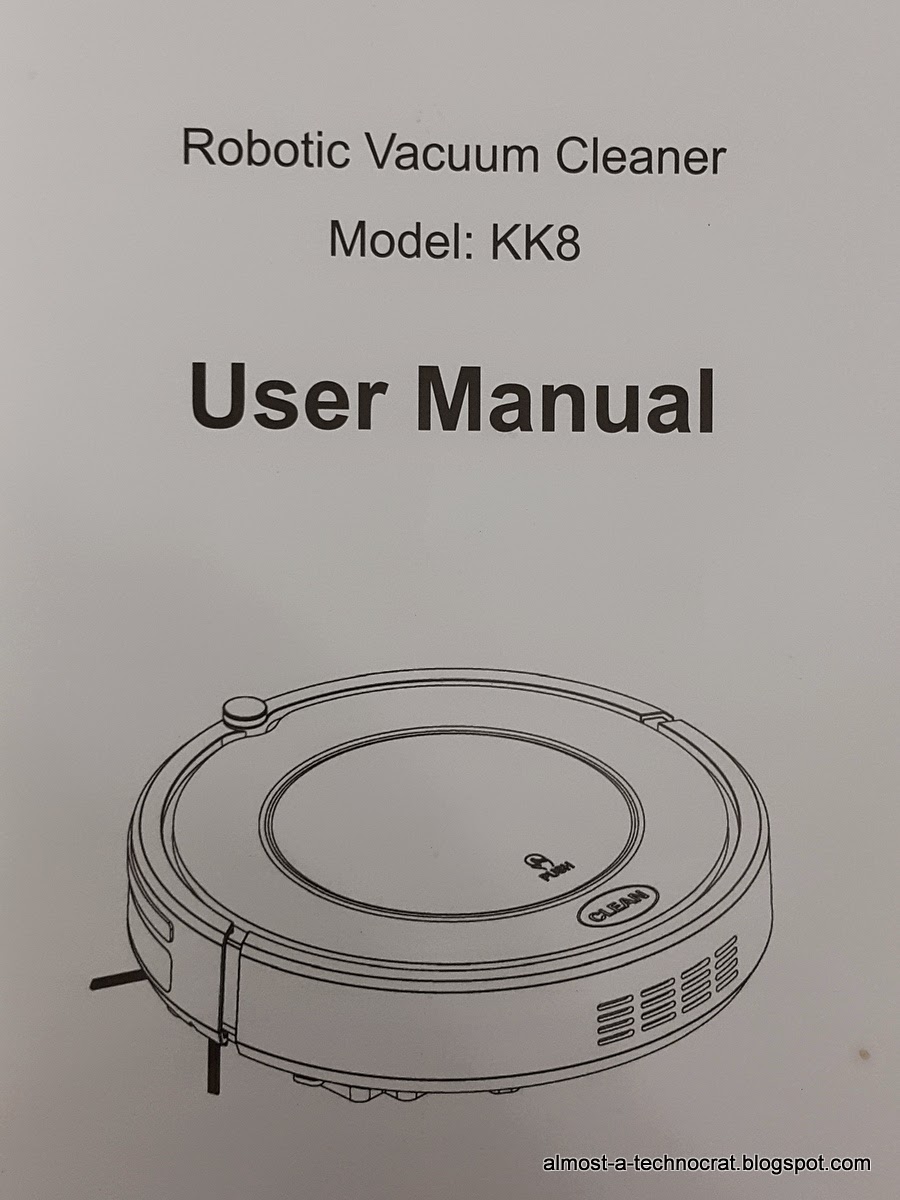
Front Page This is the user manual included in the iRova KK8 Robotic Vacuum Cleaner. I used my smartphone to capture every page of the manual and uploaded here for future references and also if you are looking for this manual to see what does this robot vacuum can do. Table of Contents Page 1 : Safety Instructions Page 2 : Product Features Page 3 : Product Features Page 4 : Product Components Page 5 : Product Components Page 6 : Product Components Page 7 : Product Components Page 8 : Product Compoenents Page 9 : Product Operation Page 10 : Product Operation Page 11 : Product Operation Page 12 : Product Operation Page 13 : Product Maintaining Page 14 : Product Maintaining Page 15 : Troubleshooting Page 16 : Exploded diagram Page 17 : Battery removal & Product specifications [16 MAR 2015] I manage to find a PDF format for the user manual. Download it here . Navigation Go back to main page .

iRova KK8 Review: How well does it clean?

Image
How did it do well? After a week of use, this iRova KK8 robotic vacuum cleaner manage to suck all dust, hair and lizard shit from the edge of the wall, under the furniture and open space every time. So yes, it's good at its job. It has two side brushes, one at the right and one at the left. These brushes spin in opposite directions of each other (the left brush spins clockwise and the right brush spins counter clockwise) where they help to sweep inward to the vacuum intake. I notice that these brushes are pretty effective brushing whatever on its sides into the vacuum intake hole so that the vacuum can suck all the dust, hair or even lizard shit into the dust bin. It also has a mop pad located just behind the vacuum intake hole which will pick up whatever dust particles that escape the vacuum. The way I use it currently is I put it to run every day before I leave for work and it will return to its docking station when it's battery level is running low. During the weekends, I d...

iRova KK8 Robotic Vacuum Review

Image
Having a hectic work schedule and long working hours during the weekdays had cause me to be so tired by the time I reach home at night. A basic house chore like sweeping the floor is such a struggle. I have been considering getting a robotic vacuum cleaner to at least keep the floor clean till the weekends so that I can mop the floor with water. After I did some research on various robotic vacuum cleaners in the market, the good ones are really expensive. Prices range from RM1000 to RM3000. These are from major brands such as iRobot, Samsung, LG, Neato and etc. I couldn't bring myself to spend more than RM1000 for a device to just sweep the floor for me but I did found out that there are those OEM robotic vacuum cleaners from China that got re-badged and sold in Malaysia which the prices range from RM200 to RM1000. Price ranges depends on the features of the robotic vacuum cleaners. After going through Youtube videos and customers feedbacks, I narrow down my choice to a robotic vac...